Solution · Auto-scaling
Auto-scaling that fires on real signals, with a hard cost cap.
Real thresholds, real cooldowns, and a budget ceiling set before go-live, so the site holds through campaigns and finance never calls at 2am.
For SMB e-commerce with bursty traffic (sales, launches, paid campaigns, holiday peaks) and SaaS with predictable load shapes like Monday-morning logins or end-of-quarter pushes.
When this matters
You either lost orders during a spike, or got a runaway bill the morning after.
Auto-scaling is one checkbox. A policy that holds under real traffic without flapping the month away is a different job. Most rules drift within a quarter; the first signal is finance on Slack or a customer saying checkout is down.
- Scaling never triggers: the threshold sits above what real traffic reaches.
- Scaling triggers constantly: cooldown too short, nodes cycling every 90 seconds, bill climbing.
- Vertical scaling is on, but the bottleneck is concurrency. More RAM does nothing for the checkout queue.
- New nodes join before the app is ready and customers land on half-warm pods.
- No cost ceiling. A scraper scales the cluster sideways into a five-figure invoice.
- Nobody reviews after the event. Same surprise, next campaign.
Scope
What Stack Harbor manages.
Most SMB sites need horizontal scaling with a hard cap and scheduled rules for known campaigns; some need vertical too. We pick the axis your bottleneck dictates.
Scaling policy
- Vertical rules (CPU / RAM ceilings, headroom on the bottleneck tier)
- Horizontal rules (min / max nodes, target metric, hysteresis)
- Custom-metric triggers (queue depth, p95 latency, checkout error rate)
- Scheduled scaling for known peaks (Black Friday, launches, Monday 9am)
Load balancing
- Health checks so traffic only lands on warm nodes
- Connection draining on scale-in (in-flight checkouts complete)
- Sticky sessions where the app still requires them
- Per-tier routing (app, worker, background jobs)
Alerting & review
- Scale-event log with the metric snapshot that triggered it
- Alerts on flap, runaway, or failed scale-up
- Post-event review on every meaningful event
- Quarterly policy review against the last 90 days of real load
Cost guardrails
- Hard cap on max-node count, configured before go-live
- Budget alert per environment, threshold below the cap
- Idle-environment shutdown for staging and preview
- Reserved-vs-on-demand break-even review
How it combines
Auto-scaling only works when the operating model around it does.
Scaling you can trust on Black Friday needs a deployment pipeline, a clustered substrate, supervised health checks, and a review the morning after.
-
Solution
Clustered environments
Horizontal scaling needs a stateless app tier: sessions, uploads, and cache live off the app nodes.
Read more →
-
Solution
Code deploy pipeline
Every new node pulls the last good release from the pipeline; a spike never serves a stale build.
Read more →
-
Solution
Multi-region environments
The primary region scales on real load; the standby holds warm capacity sized for steady state after failover.
Read more →
-
Solution
Managed Cloud Ops
Managed operations own the policy review, event log, alerting rules, and senior escalation on a campaign night.
Read more →
Operating model
Assess. Design. Deploy. Maintain.
- 01
Assess
Pull the last 90 days of real traffic. Find the bottleneck tier: CPU, RAM, concurrency, queue depth. Map known peaks and cost posture.
- 02
Design
Pick the axis. Thresholds against real metrics, not defaults. Cooldowns, the hard cost cap, alerting, and the review cadence.
- 03
Deploy
Roll out in stages. Validate against a known load event (a campaign, a load test, a traffic replay). Tune, then document so the team can defend it.
- 04
Maintain
Post-event review after every meaningful event. Quarterly review against the last 90 days of real load; thresholds and cap track traffic.
Technical blueprint
Trigger. Control. Capacity. Application. Alert.
A control loop: measure, decide, bring capacity up or down, pick up traffic, and watch the loop so it stays honest. Each layer is explicit and reviewable.
- Trigger source matches the workload: CloudWatch on AWS, Prometheus on managed clusters, custom metrics when queue depth or p95 latency is the signal.
- Cost cap configured before go-live, not after the first surprise invoice.
- Scale-in cooldown longer than scale-out: flapping costs more than a brief over-provision.
- Every scale event logged with the metric snapshot that triggered it.
FAQ
What teams ask before they turn on auto-scaling.
-
Vertical or horizontal: how do we choose?
Where you bottleneck. Vertical (resize the box) fits CPU- or RAM-bound work that does not parallelize. Horizontal (add boxes) fits the typical stateless e-commerce or SaaS app tier, bottlenecked on concurrent connections. Many stacks use both.
-
How fast does scale-out really happen?
Depends on pool warmth and app start time. With pre-baked images and a stateless app, 60 to 180 seconds is realistic. Cold builds with package installs take minutes; the warm pool exists so a spike never pays that.
-
What stops a runaway bill?
A hard cap on max-node count, a budget alert below it, and alerting that pages a human if either is approached. The cap is configured before go-live.
-
Does the database scale too?
In most SMB architectures, no, and that is deliberate. The app tier scales on traffic; the database is sized for the working set and adjusted in a maintenance window. Auto-scaling a primary database is a different problem; we say when it is worth it.
-
Can we schedule scaling for known events like Black Friday?
Yes. For predictable peaks (Black Friday, campaign launches, Monday-morning logins, end-of-quarter pushes) scheduled scaling pre-provisions capacity before the event and falls back to metric rules after. Right size at the right time, no cold start.
-
How is this reviewed over time?
Every meaningful scale event gets a short note: what triggered, how the policy behaved, what to adjust. Quarterly, the policy is reviewed against the last 90 days of real load so thresholds and the cap track the business.
From the knowledge base
Auto-scaling operations, in depth.
Load shapes, scaling triggers, tuning under load, and cost-control runbooks.
-
AWS
Continuous AWS security management vs one-time hardening: why the audit report rots
Compare a one-time AWS security hardening project with continuous security management, and decide which one your environment needs. Hardening fades as new resources ship and alerts go unread, so most environments that keep changing need both.
Updated ·
-
AWS
A cost-allocation tagging strategy that survives real teams
Build an AWS cost allocation tagging strategy your teams will actually keep up. Start with four tag keys, enforce them when resources are created, activate them in the billing console, and work down the untagged spend starting with the biggest costs.
Updated ·
-
AWS
EC2 rightsizing in practice: beyond what Compute Optimizer tells you
Rightsize EC2 instances safely when Compute Optimizer's advice is not enough. Add memory metrics first, check burst credits and application limits, and downsize one instance at a time with a quick way back.
Updated ·
-
AWS
Least privilege in practice: Access Analyzer and unused-permission pruning
Put least privilege into practice on AWS by granting roughly what each role needs, then removing what usage data shows it never touches. IAM Access Analyzer, last-accessed data and policies generated from CloudTrail history tell you which permissions are safe to cut.
Updated ·
-
AWS
Post-migration optimization: it works, but it is expensive, fragile, and unmonitored
Clean up an AWS environment after a lift-and-shift migration, in the order that pays off. Cut cost first by rightsizing instances and clearing leftover storage, then close the reliability gaps and set up the monitoring the move skipped.
Updated ·
-
AWS
S3 cost optimization: storage classes, lifecycle rules, and the requests line nobody reads
Cut your Amazon S3 bill by matching each bucket to the right storage class and adding lifecycle rules that move or delete data automatically. It also covers the request, versioning and failed-upload charges that can cost more than the storage itself.
Updated ·
From the blog
Guides for the decision you are making
-
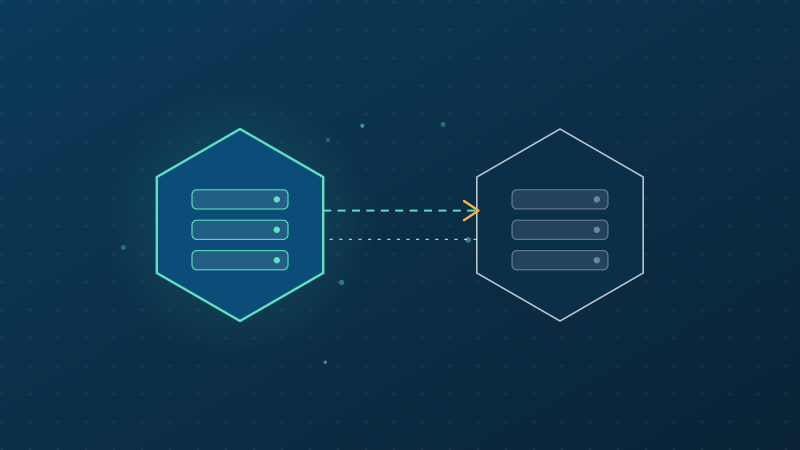
Managed Cloud Infrastructure
Disaster Recovery for an SMB: Backups, Warm Standby or Active-Active?
An SMB facing its first recovery clause can compare restore-tested backups, warm standby and active-active by RTO, RPO, cost drivers and operating burden.
· 10 min read
-
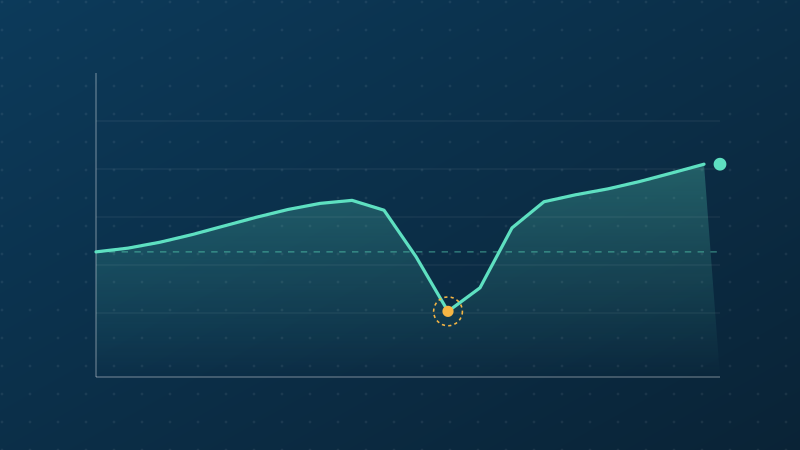
Business Outcomes
The Cost of Downtime: How to Estimate It and How Much Resilience to Buy
Owners, finance leads and operations leads can use this worksheet to estimate what an outage costs their business, then match that figure to the resilience worth buying.
· 10 min read
-
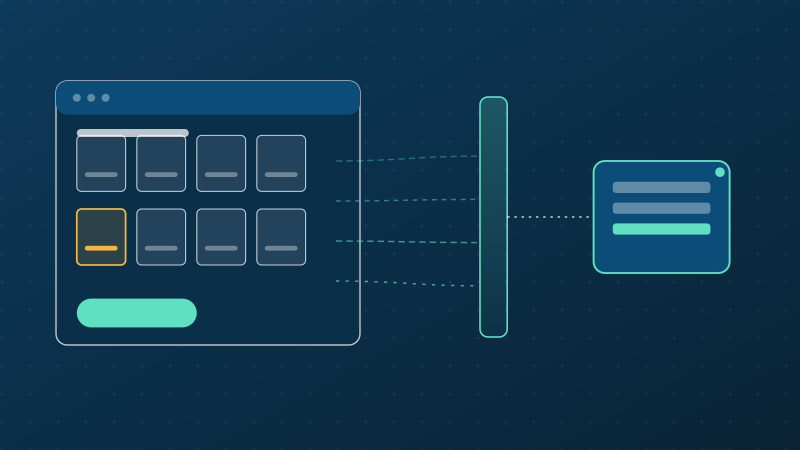
Managed WordPress & WooCommerce
WooCommerce Hosting Architecture: Single Server, Cluster or Autoscaling?
A WooCommerce store can run on one server, a load-balanced cluster or an autoscaling platform. Technical leads and store operators get criteria for choosing among them.
· 10 min read
Campaign-safe scaling, with a cost ceiling you can defend.
Book an infrastructure consult. We review your load shape, bottleneck tier, and cost posture, then recommend a capped policy so the next sale is not a surprise invoice.