Migration Services
A website migration that makes cutover day boring.
We plan and run the move for SMBs leaving shared hosting, an unmanaged server, or a cloud no one understands. Discovery first, a staging site you can review, and a tested rollback before we touch DNS.
Best fit when the original setup is fragile, the person who built it is gone, or you cannot afford the kind of downtime that happened last time.
Why migrate now
The move is safe. Cutover-day surprises are the risk.
Most SMBs put off migration because the last one hurt: hours of downtime, broken email, lost orders, and nobody owning the rollback. We run migration as an operational project so nothing on cutover day surprises you.
- Last migration broke email or took the site down for hours.
- The developer who set it up is no longer reachable.
- Locked into a managed host whose bill keeps growing.
- A previous engineer left behind AWS sprawl no one understands.
- DNS, SSL, or cron jobs only became a problem at cutover.
- No rollback plan if the new environment misbehaves.
How a migration runs
Five steps from fragile platform to stable launch.
- 01
Discovery
Audit hosting, DNS, email, database, files, plugins, integrations, SSL, and backups. Document what is really there.
- 02
Target architecture
Recommend the destination that fits your workload, traffic, budget, and support needs. Not the most expensive one.
- 03
Staging migration
Build the new environment, move the workload into staging, test it, and share a preview URL you can review.
- 04
Cutover plan
Set DNS TTL, schedule the launch window, lock the rollback plan, and brief stakeholders before anyone touches production.
- 05
Go-live and stabilize
Run the cutover, monitor traffic, resolve post-launch issues, and stay on hand the day after.
How a migration unfolds
A migration timeline you can plan around.
A typical Stack Harbor migration runs 6 to 8 weeks from discovery to stabilization. Below is the working timeline — phases, gates, the DNS-TTL ramp before cutover, and the risk markers we watch.
- Discovery
- Target architecture
- Staging build + sync
- Validation + dry-run
- Cutover + stabilize
- DNSTTL ramp, propagation, mail records
- TLS / SSLcert provisioning, renewal lock-out
- Databasefinal delta sync, data drift, cutover lag
- EmailIP reputation, SPF/DKIM/DMARC, blacklists
- Cache / CDNinvalidation, origin shielding
- Plugins / APIsenv-specific config, secret rotation
Types
Migrations we plan and execute.
- WordPress host migration
- Enterprise WordPress replatforming
- cPanel to managed cloud
- VPS to managed infrastructure
- AWS/Azure/GCP cleanup or transition
- Agency portfolio migration
- Performance rescue migration
- Legacy hosting consolidation
Pricing model
Fixed-fee quote after discovery.
Discovery is a small, paid scoping engagement that produces a written migration plan and a fixed-fee quote. You decide whether to proceed before any production work starts.
Pricing drivers
- Site or workload count
- Data and file size
- Dependency complexity (plugins, APIs, integrations)
- Downtime tolerance and cutover window
- Compliance or data-residency needs
- Post-launch support window
FAQ
What SMBs ask before signing.
-
Will the site go down on cutover day?
No visible downtime is the target. We stage the new environment, sync data in a low-traffic window, lower DNS TTL ahead of time, and flip traffic once staging matches production. If something looks wrong, we roll back to the still-live old host.
-
What happens to email when we move?
Email is the biggest reason SMB migrations break. We map MX, SPF, DKIM, and DMARC in discovery, leave mail on its current provider if it lives separately, and touch only the DNS records that have to change. Inboxes stay reachable through cutover.
-
What if something goes wrong after we flip DNS?
Every migration ships with a written rollback plan. The old environment stays online and read-only until the new one is confirmed healthy. If a critical issue surfaces, we revert DNS and fix it in staging before retrying.
-
How long does a typical SMB migration take?
Most single-site WordPress or cPanel migrations run two to four weeks: one week of discovery, one to two in staging, then a scheduled cutover. Multi-site portfolios and database-heavy apps take longer. Discovery sets the timeline before any work starts.
-
Do you migrate WooCommerce orders, customers, and subscriptions?
Yes. We sync orders, customers, products, subscriptions, and payment gateway configuration, then run a final delta sync at cutover so no orders are lost. Stripe, PayPal, and recurring billing are tested end-to-end in staging.
-
The person who set up our hosting is gone. Can you still migrate it?
That is the most common starting point. Discovery audits the live environment, reverse-engineers dependencies, documents what we find, and proposes a destination. You get a clean handover even if nobody on your team knows the original setup.
-
What is involved in a website migration service?
A website migration service starts with discovery: an audit of hosting, DNS, email, data, and dependencies so the move is mapped before anything changes. Then a target architecture sized to your workload, a staging build you can review, and a written cutover plan with a tested rollback. The deliverable is a predictable launch.
After the migration
Where the workload lands.
Migration is a project; the environment underneath it still has to be operated. Most land in one of these destinations, chosen during discovery, not at cutover.
-
Service
Cloud Compute
VMs, bare metal, private networking, distributed SSD. The landing zone for cPanel/WHM platforms, custom stacks, and workloads that need OS control.
Explore Cloud Compute →
-
Service
Cloud PaaS
Managed runtimes, databases, autoscaling, and zero-downtime deploys for teams that want to push code, not servers.
Explore Cloud PaaS →
-
Service
Management, Monitoring & Support
The operations layer (patching, monitoring, backups, hardening) that runs the environment after launch. cPanel/WHM included as an official NOC partner.
Explore Management, Monitoring & Support →
-
Solution
Enterprise WordPress
When the destination is a managed WordPress operating model rather than raw infrastructure: staging, performance tuning, release process, support SLAs.
Explore Enterprise WordPress →
From the knowledge base
Migration operations, depth reading.
Migration patterns, recovery runbooks, and post-cutover stabilization guides.
-
WordPress Migration
Migrate a WordPress site from Pantheon to cPanel: the full runbook
Migrate a WordPress site from Pantheon to cPanel without losing what the platform did for you. Pull the code, database and files, remove the Pantheon-specific configuration, and set up caching, cron and backups yourself.
Updated ·
-
WordPress Migration
GoDaddy Managed WordPress to cPanel: the complete migration runbook
Migrate a WordPress site from GoDaddy Managed WordPress to cPanel through whichever export path your account allows, with a verified database dump and a complete wp-content copy. You will also rebuild the cache, CDN, mail, and redirect layers GoDaddy was providing, then cut over with a short write freeze and a cheap rollback.
Updated ·
-
Networking
Deploy an ISC Kea DHCP high-availability pair, replacing dhcpd
Set up Kea DHCP high availability on two Debian or Ubuntu hosts so one server takes over when the other fails. You will move off the retired ISC dhcpd, turn on the hot-standby hook, and test a real failover.
Updated ·
-
PHP
Upgrading a production app to PHP 8.4 without downtime surprises
Upgrade a production PHP app to 8.4 with an easy way back. Find deprecated code with PHPStan and Rector first, then run PHP 8.4 beside your current version and switch one site over with a single reload.
Updated ·
-
WordPress Core & Admin
WordPress "Sorry, you are not allowed to access this page" after login: how to fix it
Learn how to fix the WordPress "Sorry, you are not allowed to access this page" error that appears after you log in to wp-admin. You will find the real cause with WP-CLI, repair the user role or the table prefix keys, and confirm full admin access is back.
Updated ·
-
WordPress Migration
Bluehost, Hostinger or GoDaddy alternatives: when your WordPress site outgrows shared hosting
Use this guide to decide whether your WordPress site has really outgrown shared hosting before you look for Bluehost, Hostinger or GoDaddy alternatives. You will measure whether the host or the site is slow, read your resource limits, and pick the next step that fits, or confirm that staying is fine.
Updated ·
From the blog
Guides for the decision you are making
-
Managed WordPress & WooCommerce
WordPress Migration Service: What It Should Include and What Can Go Wrong
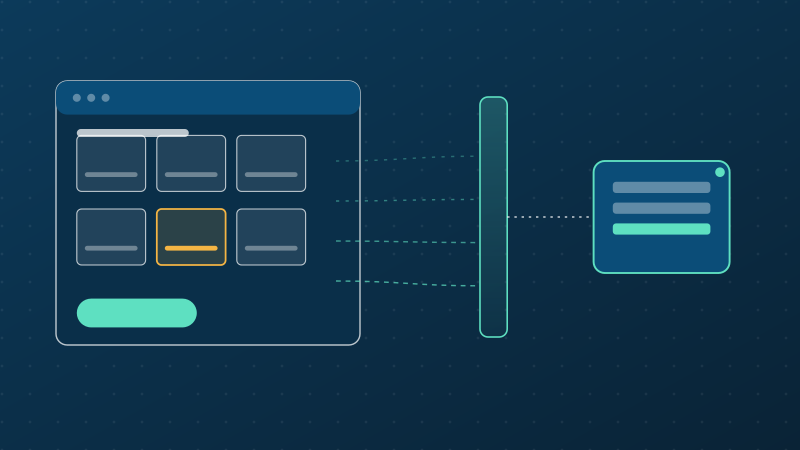
Owners of a revenue-bearing WordPress or WooCommerce site can check here what a migration service should include, what fails on cutover day and when not to move.
· 10 min read
-
Buying Guides & Vendor Selection
When to Move Off Shared Hosting, a VPS or Unmanaged Cloud: Signals to Move or Stay
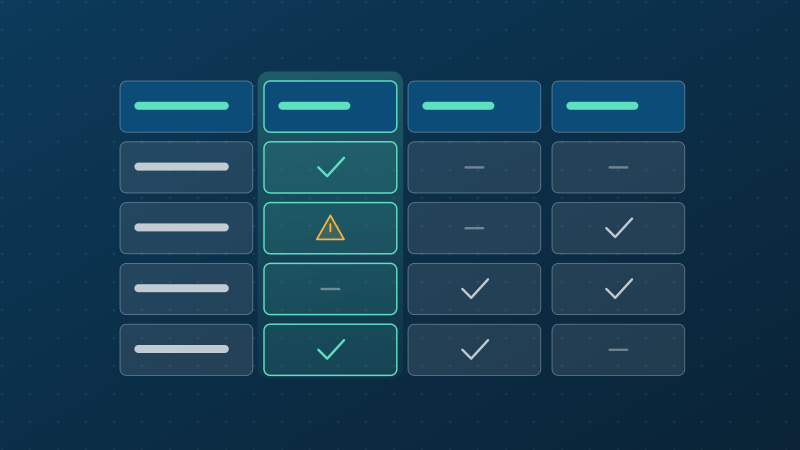
Business owners and lone developers who have outgrown their first hosting setup can use these signals to decide whether to move, stay put or add an operations layer.
· 10 min read
-
Managed WordPress & WooCommerce
Slow WordPress Site: Optimize, Upgrade the Plan or Migrate?
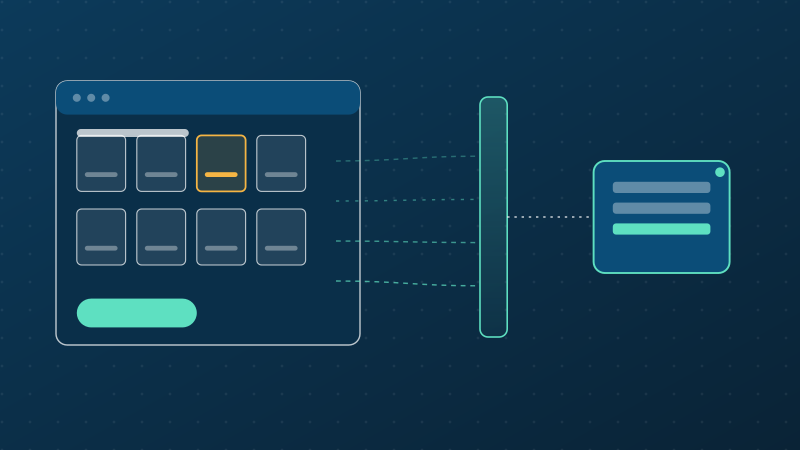
Publishers, marketers and store owners with a slow WordPress site can use these criteria to choose between optimizing in place, a bigger plan and a migration.
· 10 min read
The next migration should feel boring.
Book a migration assessment. You leave with a written plan, a fixed-fee quote, and a clear picture of cutover day.