WordPress
High-traffic WordPress and WooCommerce
Balanced application tiers behind HAProxy or LiteSpeed WebADC, with cache coordination and session-safe checkout.
See the scopeSolution · Load balancing
Stack Harbor designs and runs virtual load balancers that spread traffic across your servers and survive their own failures, on our cloud or in front of infrastructure you keep exactly where it is: AWS, OVH, dedicated servers, or on-premise. HAProxy, Nginx, LiteSpeed WebADC, or an orchestrated HA layer on our PaaS.
High-traffic sites, SaaS APIs, cPanel and LiteSpeed fleets, and clustered environments.
When this matters
Load balancing turns a set of servers into a service: traffic spreads across healthy backends, failed nodes leave rotation, deploys drain connections instead of dropping them, and the balancer itself is redundant. Without it, every traffic spike, kernel patch, and hardware failure lands on your users.
Who this is for
WordPress
Balanced application tiers behind HAProxy or LiteSpeed WebADC, with cache coordination and session-safe checkout.
See the scopeSaaS
Health checks, retries, connection draining, and per-route rules for API traffic.
See the scopeHosting
LiteSpeed WebADC across cPanel servers: LSCache-aware, HTTP/3-ready, session-safe.
See the scopeYour infra
A managed balancing layer in front of servers you keep where they are.
See the scopeHA
The front door of a cluster: paired balancers, replicated data tiers, tested failover.
See the scopePaaS
Paired balancers provisioned and scaled automatically in front of the application tier.
See the scopeScope
Layer 4 and layer 7 balancing for web, API, and TCP services: ACLs and content switching, sticky sessions, PROXY protocol, hot reloads, and the stats page wired into monitoring.
Reverse-proxy balancing with upstream pools, least-connection and hash strategies, TLS termination, HTTP/2, edge caching, and WebSocket pass-through.
For LiteSpeed and cPanel fleets: LSCache coordination across backends, HTTP/3 / QUIC at the edge, session affinity, and pool maintenance without downtime.
Active-passive pairs with keepalived / VRRP, a floating IP that fails over in seconds, and capacity sized to your traffic profile.
Paired balancers provisioned automatically in front of the application tier, scaling with it and taking part in zero-downtime deploys.
Application-level health checks, automatic ejection and re-admission of backends, connection draining for deploys, TLS automation, and alerting wired into 24/7 monitoring.
Reference topology
A production load-balancing layer is a pair, not a box: an active and a passive balancer share a floating IP, health checks decide which backends receive traffic, and a failed node is pulled from rotation before users notice. The same shape works for HAProxy, Nginx, and LiteSpeed WebADC — on our cloud, in front of your infrastructure, or orchestrated inside the PaaS.
Edge
DNS · CDN · TLS
Floating IP
failover address
LB · active
HAProxy / Nginx / WebADC
LB · passive
keepalived · VRRP
Backend pool
app·1
health-checked · drainable
app·2
health-checked · drainable
app·3
drained for deploy
Patterns and integrations
The proxy is only part of it. Sessions, endpoint health, pool scaling, the database tier, and the DNS layer above all have to agree.
Sessions
Cookie-based and source-IP persistence for carts, logins, and stateful applications, and the honest call on when a shared session store is better.
HAProxy sticky sessions →
Health
Application-level checks at the balancer plus external monitoring of the endpoints. Dead backends leave rotation in seconds; someone is paged when the pool thins.
Health checks that tell the truth →
Capacity
Manual for predictable estates, automatic from load triggers on the PaaS and Auto Scaling Groups on AWS. We design the triggers and guardrails, and say when manual is saner.
See Auto-Scaling →
AWS
ALB listeners and target groups paired with Auto Scaling Groups: health-check integration, target-tracking or step policies, warm pools, draining through instance refresh.
See AWS Operations →
Data tier
Read/write splitting and replica balancing: ProxySQL for MySQL and MariaDB, PgBouncer for PostgreSQL, RDS Proxy on AWS. Lag-aware, write-safe.
ProxySQL read routing →
DNS layer
Cloudflare Load Balancing for health-checked steering and geo routing; Route 53 for weighted, latency-based, and failover policies. Paired with in-region balancers for fast failover.
Cloudflare knowledge base →
Deployment shapes
Shape 1
Managed balancer pairs on our Canadian-region capacity, in front of backends hosted with us. The most integrated shape.
Custom quote, scoped to traffic profile and backend count.
Shape 2
A managed balancing layer ahead of servers that stay exactly where they are. No migration required.
Custom quote, scoped to reachability, SLA, and service count.
Shape 3
The platform provisions and scales the paired balancer layer with the application tier. You own none of the configuration.
Custom quote, scoped with the PaaS environment itself.
How the engagement works
We review your traffic profile, single points of failure, session model, TLS posture, and what happens today when a server dies.
We propose the layer in writing before anything is built: HAProxy, Nginx, WebADC, or PaaS-orchestrated; L4 / L7 split; health-check endpoints; persistence; failover topology.
We stand up the paired balancers, wire health checks and TLS, rehearse the failover, and cut traffic over with a rollback path, usually a reversible DNS change.
Monitoring of the layer and the pool, zero-downtime reloads for config and certificates, capacity review as traffic grows, incident response with senior escalation.
Why teams trust us
Balancer layers ship as active-passive pairs with floating IPs. A single unpaired balancer is flagged as risk, never deployed quietly.
HAProxy, Nginx, LiteSpeed WebADC, keepalived: boring, documented, widely understood software, configured well.
The layer and the pool are monitored around the clock, with senior escalation written into the contract.
Hot reloads, connection draining, and certificate renewals that never drop a request. Maintenance stops being an outage.
Balancer capacity in our Montréal data centres with low-latency peering, under Canadian data jurisdiction.
Stats pages and dashboards you can see, a written runbook, and standard configuration you could take elsewhere.
FAQ
HAProxy and Nginx for most traffic, LiteSpeed WebADC for LiteSpeed and cPanel fleets, keepalived/VRRP for active-passive appliance pairs, and the balancer layers our PaaS provisions automatically. On AWS we also operate ALB and NLB where they fit better.
Layer 4 balances TCP connections: fast, protocol-agnostic, right for databases, mail, and raw throughput. Layer 7 understands HTTP, so it can route by host and path, terminate TLS, set headers, and retry failed backends, which most web applications need. Many layers run both.
Yes. The layer sits in front of infrastructure you keep exactly where it is: Stack Harbor cloud, AWS, OVH, dedicated servers, or on-premise. We need network reachability to the backends, agreed health-check endpoints, and a DNS change at cutover. The backends do not move.
The layer runs as an active-passive pair sharing a floating IP via VRRP (keepalived). If the active node stops answering, the passive node claims the IP within seconds and traffic continues, with no DNS change or manual step. A single unpaired balancer is a risk we flag, never something we quietly deploy.
Yes: cookie-based and source-IP persistence, WebSocket pass-through, and tuned timeouts for long-polling and streaming. We will also tell you when stickiness is masking an application problem better fixed with a shared session store.
Usually at the balancer. Certificates are automated (ACME / Let’s Encrypt or your purchased certificates) and renewed without downtime. HTTP/2 is on at the edge, plus HTTP/3 where the stack supports it. Re-encryption to the backends is available when policy requires it.
Yes. LiteSpeed WebADC is built for this: LSCache coordination across the pool, HTTP/3, and session awareness for cPanel-hosted applications. For mixed fleets we pair WebADC or HAProxy in front with per-server LiteSpeed tuning behind. The cPanel side stays fully compatible.
Paired Nginx or LiteSpeed balancers are provisioned automatically in front of the application tier, scale with it, and take part in zero-downtime deploys. The right shape when you want the HA layer without owning the configuration.
Yes. We design and operate ALB listeners, target groups, and health checks wired into Auto Scaling Groups: target-tracking or step scaling, warm pools, lifecycle hooks, connection draining during instance refresh. We will also say when HAProxy or NLB fits better: long-lived connections, fixed IPs, or rules ALB cannot express.
Yes, and it follows the replication design, never the other way around. ProxySQL for MySQL and MariaDB (read/write splitting, lag-aware replica routing), PgBouncer with failover routing for PostgreSQL streaming replicas, RDS Proxy on AWS. Write traffic stays on the primary.
Yes. Cloudflare Load Balancing gives health-checked steering and geo routing at the edge; Route 53 covers weighted, latency-based, and failover policies. DNS is right for steering between regions or providers and wrong for instant failover, because resolvers honour TTLs loosely. We combine the two.
Scoped to the traffic profile, the number of balanced services and backends, the SLA, and whether the layer runs on our cloud or in front of your infrastructure. There are no published rate cards. The review gives us enough to put a fixed quote in writing.
A load-balancing layer that runs as a virtual machine instead of a hardware appliance: the same traffic distribution and health checking without a physical box. We run HAProxy, Nginx, or LiteSpeed WebADC as active-passive pairs sharing a floating IP, so one failed node does not take the layer down.
From the knowledge base
Production-shaped HAProxy, Nginx, and load-balancing runbooks behind the managed layer above.
Load Balancing
Choosing between HAProxy, Nginx, and Traefik — what each is genuinely best at, where they overlap, and the decision criteria we apply for client deployments.
Updated ·
Load Balancing
TCP, HTTP, and external health checks in HAProxy — inter, fall, rise, expect rules, and the production patterns that catch sick backends without flapping.
Updated ·
Load Balancing
Terminating TLS at HAProxy — PEM bundles, ssl-default-bind options, ALPN for HTTP/2, OCSP stapling, and the production checks before you flip the switch.
Updated ·
Load Balancing
Block requests by country at the Traefik edge with a MaxMind GeoLite2 database and a geoblock plugin. Choose between fail-open and fail-closed, and avoid the cases where it backfires.
Updated ·
DNS & TLS
Set up dnsdist, the DNS load balancer from the PowerDNS project, in front of two or more name servers. You will spread queries across healthy backends, rate limit abusive clients, cache answers and watch it all live from the dnsdist console.
Updated ·
Kubernetes
Learn how to use Kubernetes topology spread constraints to spread your pods evenly across zones and nodes, so one outage cannot take down every copy of a service. The guide explains the placement math, the key settings, cluster-wide defaults, and how to fix pods stuck in Pending.
Updated ·
From the blog
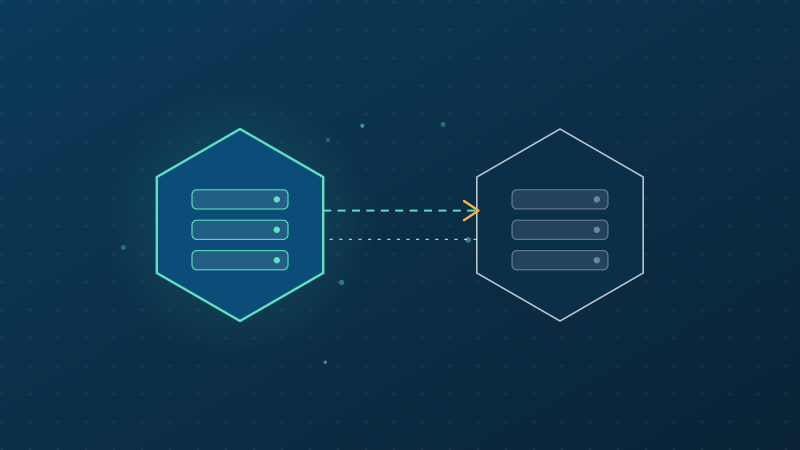
Managed Cloud Infrastructure
An SMB facing its first recovery clause can compare restore-tested backups, warm standby and active-active by RTO, RPO, cost drivers and operating burden.
· 10 min read
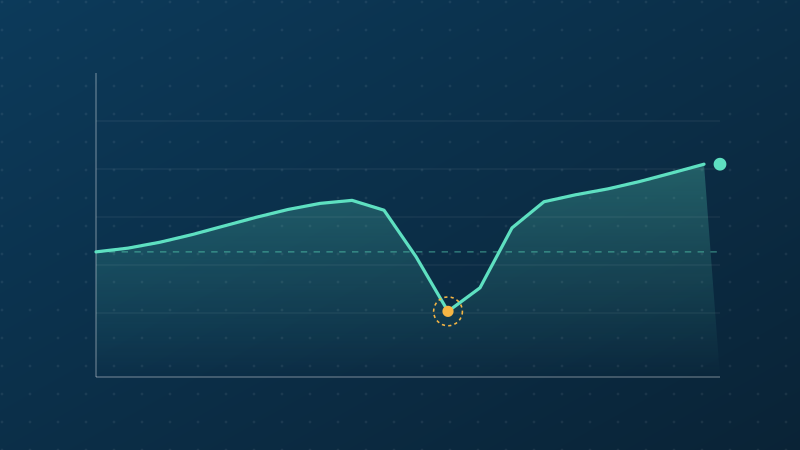
Business Outcomes
Owners, finance leads and operations leads can use this worksheet to estimate what an outage costs their business, then match that figure to the resilience worth buying.
· 10 min read
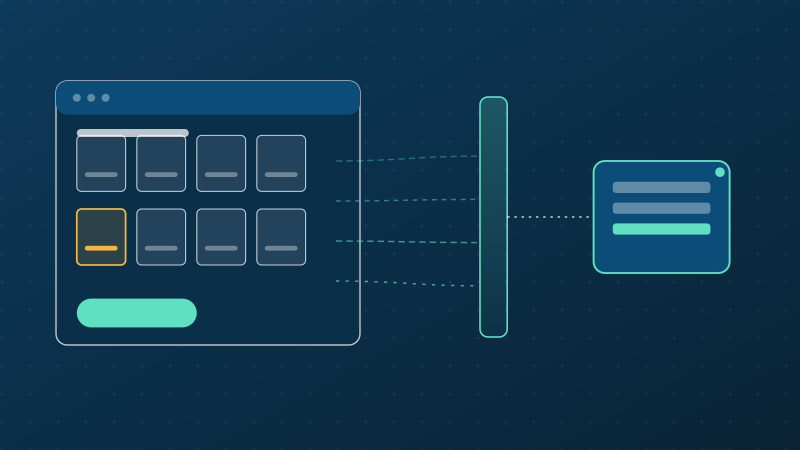
Managed WordPress & WooCommerce
A WooCommerce store can run on one server, a load-balanced cluster or an autoscaling platform. Technical leads and store operators get criteria for choosing among them.
· 10 min read
Managed load balancers with paired failover, health checks, and 24/7 operations behind them, on our cloud or in front of yours.